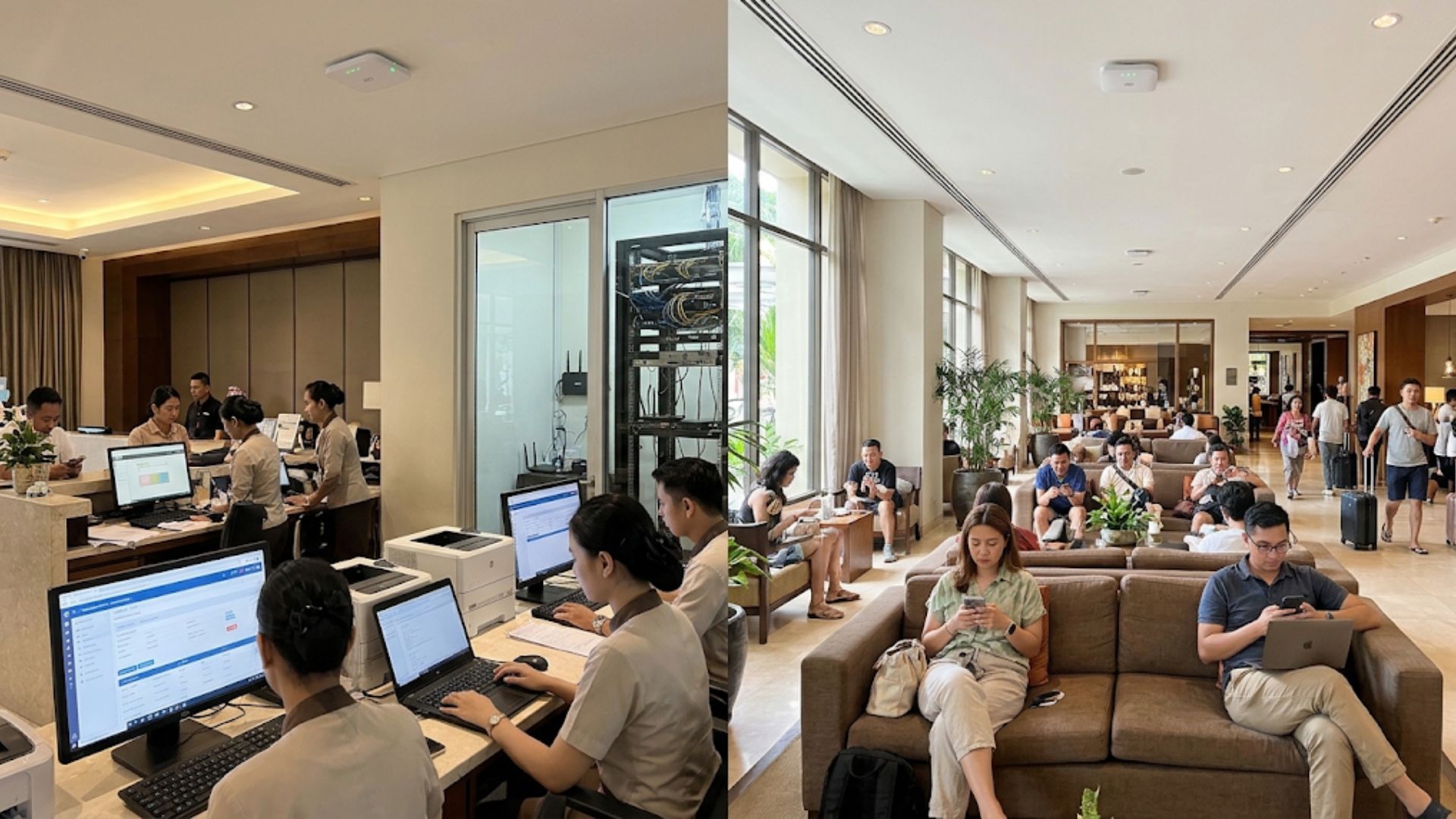
WiFi is an important part of hotel operations. In addition to providing guests with internet access, hotel networks also support various internal needs, such as reservation systems, restaurant transactions, IP-based CCTV, and staff communications.
However, placing all devices on the same network can increase security risks and make traffic management more difficult. One solution is Virtual Local Area Network (VLAN), a technology that allows a single network infrastructure to be divided into multiple separate logical networks.
With the right configuration, VLAN helps hotels manage guest and operational network access in a more structured way without requiring completely separate physical infrastructure for each group of devices.
What Is VLAN?
VLAN is a networking technology that divides devices into multiple logical network segments, even when those devices share the same physical switch infrastructure.
Each VLAN has its own identity and can be used to group devices based on their function, location, or access requirements. In Ethernet networks, VLANs are commonly implemented using the IEEE 802.1Q standard to tag traffic between supported network devices.
For example, a hotel can use separate VLANs for guest WiFi, staff computers, CCTV systems, and other operational devices. This separation helps control communication between network segments according to established network policies.
However, VLAN alone does not automatically provide comprehensive security. Routing, firewall rules, and access controls are still required to determine which traffic is allowed to move between networks.
Why Should Hotels Separate Their Networks?
Hotel networks serve many types of users and devices with different requirements. Guests need convenient internet access, while staff and operational devices require access to specific internal systems. Here are several reasons why network segmentation is important.
1. Protect Hotel Operational Systems
Staff computers, reservation systems, and operational devices may store or access important information. If all devices are placed on the same network without adequate access restrictions, the risk of unwanted communication between devices can increase.
With VLANs and appropriate firewall rules, hotels can restrict access from the guest network to internal systems.
2. Make Network Management Easier
Separating networks based on function makes it easier for IT teams to identify devices and apply different policies to each user group.
For example, the guest network can have its own internet access policies, while the staff network can be given access to internal applications based on job requirements.
3. Support Traffic Management
Guest activities such as video streaming and large downloads can consume significant amounts of bandwidth. Meanwhile, operational systems need sufficient connectivity to support daily activities.
VLAN helps organize traffic into different segments, but it does not automatically limit bandwidth usage or guarantee connection priority. Hotels can therefore combine VLAN with Quality of Service (QoS) policies and bandwidth management settings on supported devices.
How to Separate Guest and Hotel Operational WiFi Using VLAN
VLAN implementation requires proper planning and network devices that support VLAN configuration. In general, the process involves several steps.
1. Identify Devices and Access Requirements
Create a list of devices connected to the network, such as access points, staff computers, CCTV systems, servers, and guest devices. Determine which devices need to communicate with each other and which services they need to access.
This helps determine the number of VLANs required without making the network structure unnecessarily complex.
2. Configure VLANs on Switches and Routers
Create VLANs according to the network design using devices that support VLAN configuration. Switch ports can be configured as access ports for devices belonging to a single VLAN or as trunk ports to carry multiple VLANs to other network devices.
A router or Layer 3 device can then be configured to handle communication between VLANs when required.
3. Connect VLANs to WiFi SSIDs
Access points or wireless controllers that support VLANs can map specific SSIDs to the appropriate VLAN.
For example, the guest WiFi SSID can be assigned to the guest VLAN, while the staff SSID can be assigned to the internal VLAN. This configuration should be applied consistently across the access points serving different areas of the hotel.
4. Apply Firewall and Access Controls
Configure firewall rules to restrict communication between VLANs. For example, the guest network can be allowed to access the internet but prevented from initiating connections to staff computers or internal servers.
Make sure essential services such as DHCP, DNS, and access to network management devices are also configured according to operational requirements.
5. Test Connectivity and Security
After completing the configuration, test each network segment. Make sure guests can access the internet, staff can use the applications they need, and guest devices cannot access internal systems that should be restricted.
Testing should also cover situations where devices move between access points and ensure that network policies continue to be applied consistently.
Common Mistakes to Avoid When Implementing VLAN
Several configuration mistakes can reduce the benefits of VLAN or even cause connectivity issues.
- First, creating VLANs without clearly defined firewall rules. Logical separation does not mean that all communication between networks is automatically blocked.
- Second, incorrectly configuring VLANs on switches, routers, or access points. Configuration mismatches can cause devices to lose network connectivity.
- Third, failing to document the VLAN structure and access rules. Good documentation makes network troubleshooting and maintenance easier.
- Finally, ignoring testing after configuration changes. Every change should be tested before being widely implemented, especially in hotels that operate around the clock.
VLAN helps hotels separate guest WiFi from operational networks based on function and access requirements. With well-designed segmentation, hotel operators can simplify network management while implementing more targeted access restrictions.
However, VLAN should be supported by proper firewall configuration, routing policies, and security testing to ensure that network separation is truly effective.
Gecko Internet can be a reference for businesses looking to evaluate their connectivity and network infrastructure needs. With the right planning, hotels can build a more structured network that supports both guest requirements and smooth day-to-day operations.