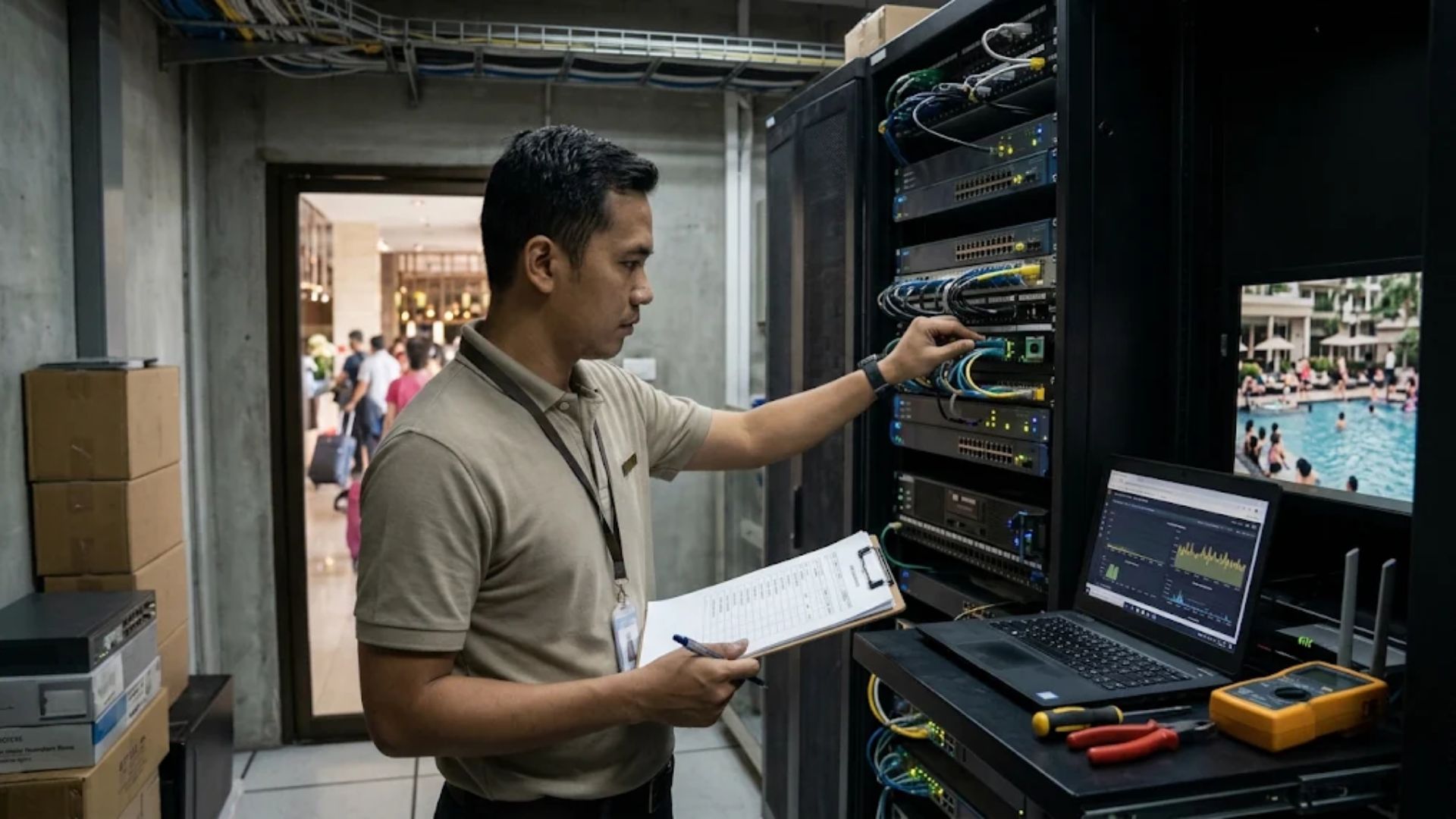
As high season approaches, hotels need to prepare various aspects of their operations to handle an increase in guest volume. One area that should not be overlooked is the hotel’s internet network. A stable connection is essential not only for guest comfort but also to ensure that reservation systems, payment transactions, and internal communications run smoothly.
When occupancy increases, the number of devices connected to the network typically increases as well. Without adequate preparation, hotels may experience slow connections, unstable WiFi, and disruptions to their operational systems.
For this reason, the network should be checked before the busy period begins. The following checklist can be used to evaluate your hotel’s internet network readiness ahead of high season.
1. Evaluate Internet Bandwidth Capacity
Bandwidth is one of the key factors in maintaining network performance at a hotel. Sufficient capacity helps ensure that guests and staff can use the internet without negatively affecting each other’s connection.
Bandwidth requirements are not determined solely by the number of rooms. They also depend on the number of guests, devices being used, and types of online activities. Guests may use the internet for video streaming, video calls, or working from their rooms, while staff may need to access reservation systems and operational applications.
Before high season, review bandwidth usage from previous periods. Identify peak usage hours and determine whether the available capacity is still sufficient when many devices are connected simultaneously. If usage frequently approaches maximum capacity, the hotel can evaluate whether it needs to increase bandwidth or improve traffic distribution. This can help reduce the risk of performance issues when occupancy increases.
2. Check WiFi Coverage Throughout the Hotel
A strong connection in the lobby does not necessarily mean that guests will have the same experience in every room or facility. Thick walls, building layouts, signal interference, and access point placement can all affect WiFi performance.
Conduct tests in guest rooms, restaurants, meeting rooms, pool areas, and other locations commonly used by guests. Check signal strength, connection stability, and how well the network performs when multiple devices are connected simultaneously.
If areas with weak signals are identified, evaluate the placement of access points and the condition of the existing equipment. Adding access points may be a solution, but it should be based on measurement results to avoid creating interference or configuration issues.
Consistent WiFi coverage helps guests stay connected throughout their stay and can reduce complaints related to internet connectivity.
3. Make Sure Hotel Operational Systems Are Working
A hotel’s internet network also supports various internal operations, including Property Management Systems (PMS), online reservation systems, point-of-sale (POS) systems, digital payments, and communication between staff.
Connection issues can slow down the check-in process, disrupt restaurant transactions, or prevent staff from accessing reservation information. The impact can be even greater when the hotel is operating at high occupancy.
Before high season, test all systems that rely on the network. Make sure devices can connect properly, applications are functioning as expected, and operational teams understand the procedures to follow if the connection is disrupted. Hotels should also identify their most critical systems so that technical teams can prioritize recovery if an issue occurs.
4. Review WiFi Network Security
An increase in the number of guests also means more personal devices connecting to the network. Therefore, security should be an important part of the hotel’s preparation checklist.
One important step is to separate the guest WiFi network from the internal network used for operational systems. This can be done using VLANs and appropriate access control rules.
In addition, review administrator