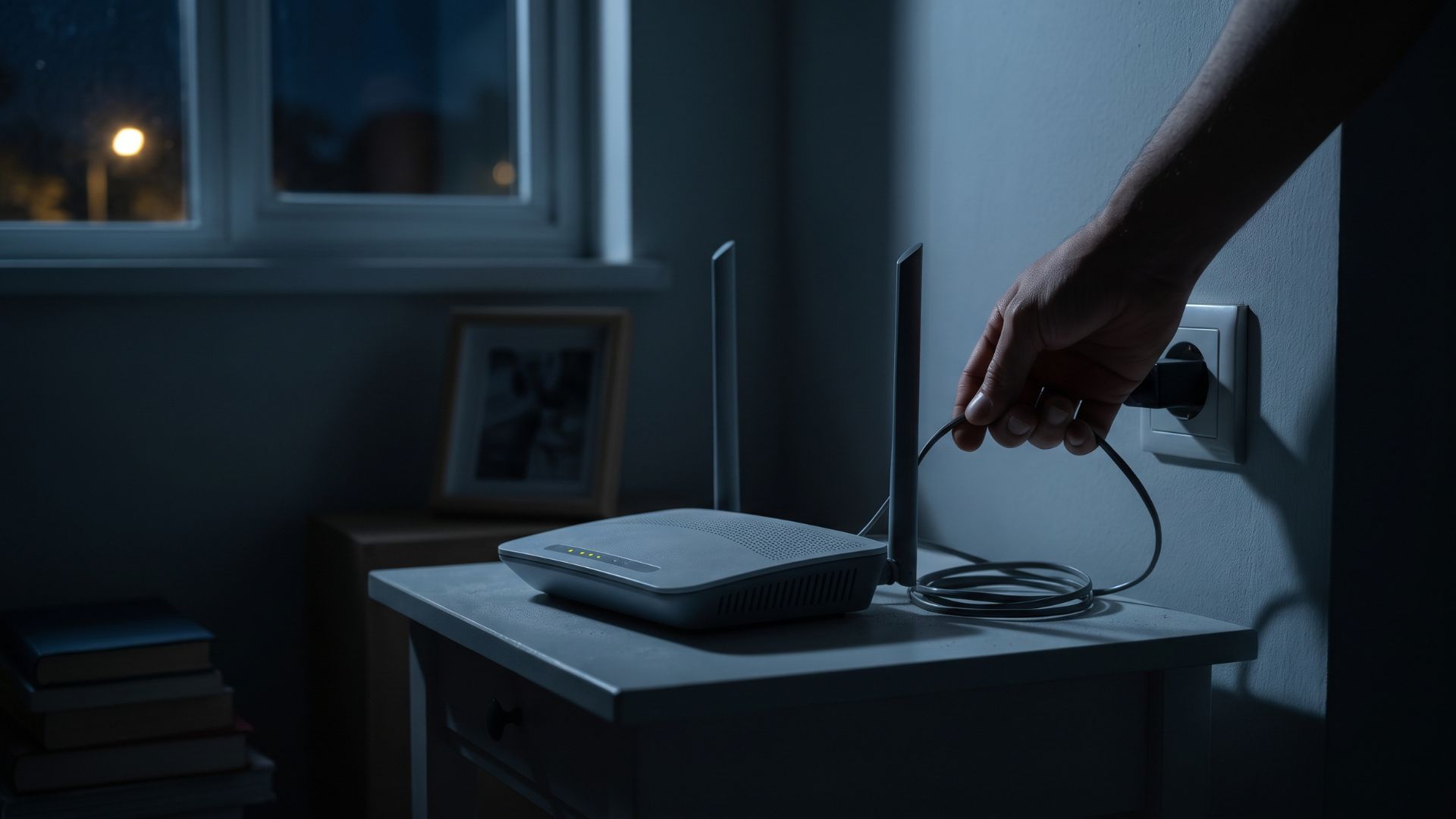
Unplugging a router or turning off WiFi before going to bed is still a common habit for many people. The main reasons usually come down to two things: saving on monthly electricity bills or believing that giving electronic devices some “rest time” will help them last longer and prevent premature damage.
However, in today's increasingly connected digital world, is this habit still technically necessary? Let's explore the facts from a network infrastructure perspective.
Hardware Design: Built to Run 24/7
The first thing to understand is that modern routers are not designed like televisions or electric fans that may be switched off when not in use. These internet connectivity devices are built with solid-state components, meaning they have no moving mechanical parts inside.
Because they lack moving mechanical components, routers are generally designed to operate 24 hours a day, seven days a week, for years. Manufacturers account for heat dissipation and cooling requirements to help devices operate continuously without overheating, provided they are placed in an area with adequate airflow.
For this reason, regularly switching off your router at night is generally unnecessary unless recommended by the manufacturer or required for a specific situation.
How Temperature Fluctuations Affect Electronic Components
Rather than extending a device's lifespan, repeatedly switching a router off and on may contribute to component wear over time. One factor involved is known as thermal stress.
When a router is powered on and transmitting data, its internal components generate heat and expand slightly. When the device is switched off, it gradually cools down and the materials contract. Repeated temperature changes can contribute to stress on electronic components and solder joints, particularly when combined with other environmental factors.
However, normal daily temperature changes do not automatically damage a router. The actual impact depends on the device's design, operating temperature, component quality, and environmental conditions.
Another consideration is the electrical stress that can occur when electronic equipment is powered on. While switching a router on does not necessarily cause a damaging power surge, repeated power cycling may place additional stress on certain components over time.
For most households, leaving a properly ventilated router running continuously is a reasonable approach that avoids unnecessary daily power cycling.
The Myth of Significant Electricity Savings
Many people assume that turning off their router for eight hours every night will significantly reduce their electricity bills. In reality, standard routers typically consume relatively little power, often around 5–15 watts, depending on the model and its features.
Let's look at a simple example.
Assuming a router consumes 10 watts and is switched off for eight hours every night, it would save approximately 2.4 kWh of electricity per month.
The actual financial savings depend on your electricity tariff. For a low-power device, the reduction in monthly electricity costs may be relatively modest.
Turning off your router can still save energy, particularly if you are away for an extended period. However, for many households, the savings from switching it off every night may be small compared with the convenience of maintaining a continuous internet connection.
The Impact on Security and Your Smart Home Ecosystem
Another disadvantage of turning off your router at night is the potential impact on network availability and connected devices.
Some routers and internet service providers support automatic firmware updates or scheduled maintenance. If your router is switched off during a scheduled update, the process may be delayed until the device reconnects. However, update schedules and installation requirements vary by manufacturer and service provider, so this does not apply to every router.
Keeping your router online also helps maintain connectivity for smart home devices, including security cameras, door alarms, smart locks, and smoke detectors that rely on WiFi.
If you switch off your router, WiFi-dependent devices may lose their connection to the internet or their remote monitoring services. As a result, you might not receive alerts on your smartphone if an incident occurs during the night.
Keep in mind that some security devices have local recording, cellular connectivity, or independent alarm systems that can continue operating without WiFi. Check your device specifications before relying on these features.
For households and businesses that depend on connected security systems, maintaining a reliable internet connection is particularly important.
When Should You Turn Off or Restart Your Router?
Although switching off your router every night is generally unnecessary, restarting it can be useful in certain situations.
Consider restarting your router when:
- Your internet connection suddenly becomes slow or unstable.
- Devices cannot connect to the WiFi network.
- You experience recurring connectivity issues.
- Your internet service provider recommends a restart during troubleshooting.
A restart can help resolve temporary software issues, refresh network connections, and restore normal operation. However, it does not guarantee faster speeds or automatically clear every type of cache or memory issue.
To restart your router, follow the manufacturer's instructions. For a basic power cycle, you can switch off the device, wait approximately 30 seconds, and turn it back on. Allow a few minutes for the router to reconnect to the internet.
There is no universal requirement to restart a router once a month. If your device works reliably, routine restarts may not be necessary. Follow the manufacturer's maintenance recommendations and restart only when needed.
Invest in Reliable Network Infrastructure
Ultimately, a router's lifespan depends on several factors, including hardware quality, operating temperature, ventilation, power supply reliability, and the surrounding environment. How frequently you switch it off is only one consideration.
A reliable, always-on internet connection is essential for modern homes and businesses, particularly for hotels, villas, offices, and other properties that depend on connected systems and uninterrupted operations.
To keep your digital ecosystem running smoothly, choose an internet service provider in Bali with reliable infrastructure and networking equipment suited to your needs.
Gecko Internet Bali provides high-speed internet connectivity designed to support homes and businesses. With professional WiFi installation in Bali, the team can help configure your network for reliable coverage, appropriate equipment placement, and consistent performance.
Proper installation and network configuration can help reduce connectivity issues and support stable operation throughout the day and night.
So, before unplugging your WiFi router every night, consider whether it is actually necessary. In most cases, leaving your router powered on, ensuring adequate ventilation, and maintaining reliable network infrastructure are more practical ways to keep your connection running smoothly.