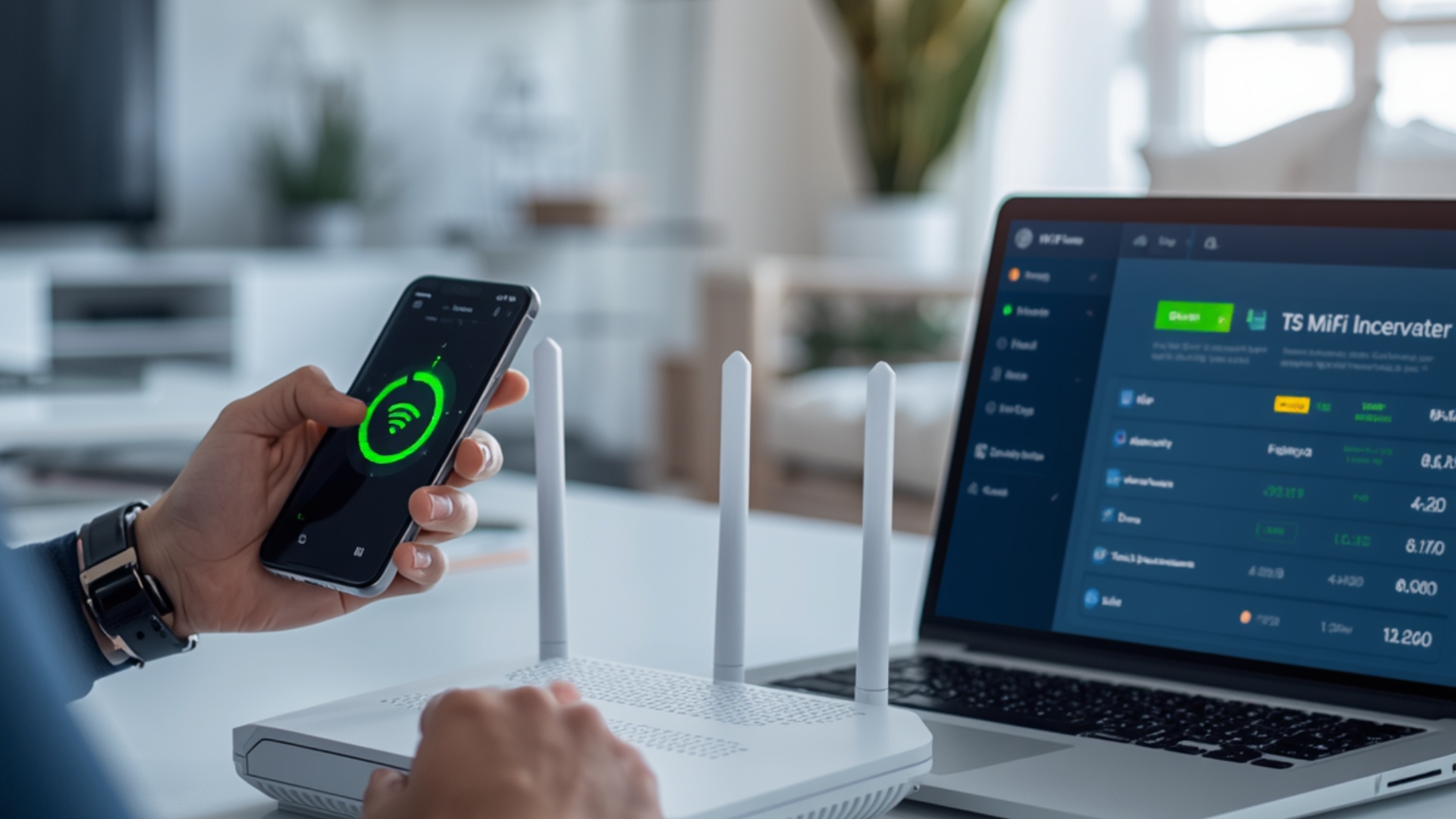
In today's digital age, internet connection has become a primary necessity, both for private homes and businesses like villas and hotels. However, many still don't realize the importance of regularly changing their Wi-Fi passwords.
If you use services from an ISP in Bali or run a business that requires internet access from a villa in Bali, maintaining network security is essential. One of the simplest steps is to regularly change your Wi-Fi password.
This article will discuss how to easily change your WiFi password, complete with tips to keep your connection secure and stable.
Why Should You Change Your WiFi Password?
Changing your Wi-Fi password isn't just about security, it's also about your internet performance. Here are some reasons why:
- Prevent unknown users from using your network
- Avoid slow connections due to too many devices
- Keeping personal data safe
- Control who can access WiFi
Especially for businesses such as villas or guest houses, slow connections can have a direct impact on guest satisfaction.
How to Change Your WiFi Password Easily
Here are the steps you can follow:
1. Login to the Router Page
Open a browser on your phone or laptop, then type in your router's IP address, usually:
- 192.168.1.1
- 192.168.0.1
Enter the username and password (usually on the back of the router).
2. Enter the Wireless / WiFi Settings Menu
After logging in, look for a menu like:
- Wireless
- WiFi Settings
- Network
Each router may have a different appearance, but they are generally similar.
3. Change WiFi Password
Look for the SSID / Password / Security Key section, then:
- Enter new password
- Use a combination of uppercase and lowercase letters, numbers, and symbols.
Example of a secure password: VillaBali#2026!
4. Save Settings
Click Save / Apply, then wait a few seconds for the router to restart.
5. Reconnect the Device
After the password is changed, all devices must log in again using the new password.
Tips for Creating a Secure WiFi Password
To prevent your WiFi from being easily hacked, pay attention to the following tips:
- Use at least 8–12 characters
- Combine letters, numbers and symbols
- Avoid names or birth dates
- Do not use the same password as other accounts
For businesses such as internet villas in Bali, it is best to use different passwords for guests and operations.
How to Find Out If Someone Else Uses Your WiFi
Some signs your WiFi may be being used without permission:
- Internet suddenly slows down
- Many foreign devices are connected
- High ping when used
You can check via the router dashboard or use a network monitoring application.
Solutions If Your WiFi Is Still Slow After Changing Your Password
If the connection is still unstable after changing the password, the problem likely extends beyond security. Some other causes include:
- Insufficient bandwidth
- Too many users
- Network quality from the provider
This is where choosing the right Bali internet provider is important, especially for business needs.
Choose the Right Internet Provider in Bali for a Stable Connection
From home to hospitality businesses, internet quality significantly impacts the user experience. If you manage a villa, hotel, or restaurant, using services from Gecko Internet can be a more stable and professional solution. As one of Bali's leading ISPs, Gecko Internet offers:
- Stable and dedicated connection
- Suitable for villa internet needs in Bali
- Responsive technical support
- Consistent speed without interruption
With a stable connection, you not only maintain network security, but also increase guest satisfaction.
Changing your Wi-Fi password is a simple step that's often overlooked, yet it's crucial for maintaining network security and performance. For both personal and business use, especially in the hospitality industry, a secure and stable internet connection is a crucial investment. If you want to ensure your network remains optimal, choosing the right internet provider in Bali , like Gecko Internet, is a crucial step.