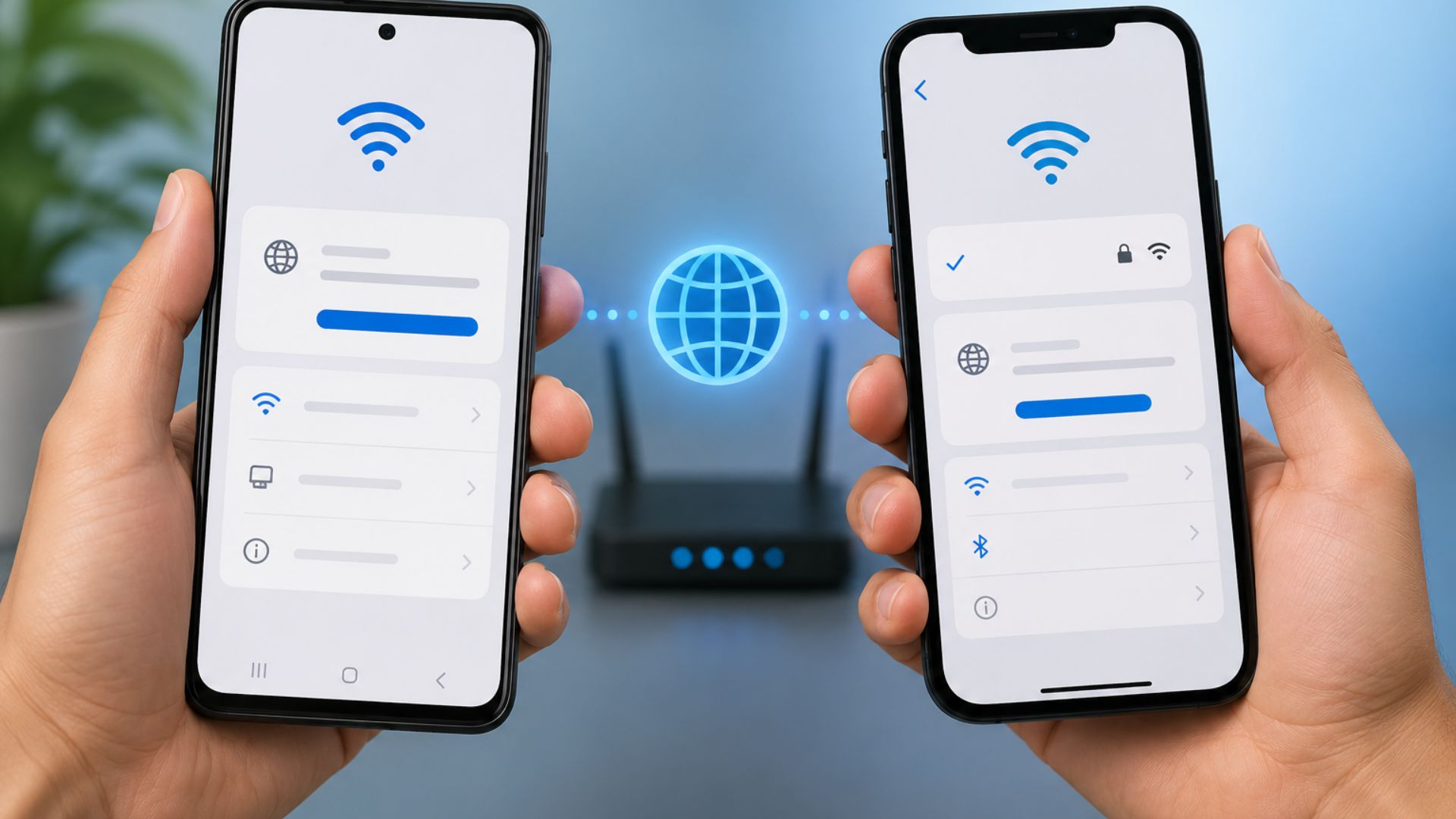
When you're experiencing internet connection issues or need to configure a WiFi network, you may be asked to check your smartphone's IP address. Although it sounds technical, checking your phone's IP address is actually quite simple and only takes a few steps.
Both Android and iPhone users can easily find this information through their device settings. If you're using Bali internet services or home, office, or villa WiFi, understanding basic network information such as your IP address can also make troubleshooting much easier whenever connection issues occur.
What Is an IP Address?
An IP (Internet Protocol) address is a unique identifier assigned to every device connected to a network. This address allows smartphones, laptops, smart TVs, and other devices to communicate and exchange data over the internet.
It's important to know that when your phone is connected to WiFi, it usually receives a private IP address assigned by the router. Meanwhile, the public IP address is the address your network uses to communicate with the internet.
How to Check Your IP Address on Android
The menu layout may vary depending on your Android brand and version, but the general steps are similar.
- Open Settings.
- Tap WiFi or Network & Internet.
- Select the WiFi network you're currently connected to.
- Tap Details, Advanced, or Manage Network (the menu name may vary).
- Scroll down to find the IP Address.
On this page, you'll also typically see other network information such as the Gateway, DNS, and MAC Address.
How to Check Your IP Address on iPhone
For iPhone users, the process is just as straightforward.
- Open the Settings app.
- Tap Wi-Fi.
- Tap the (i) icon next to the connected WiFi network.
- Scroll down to the IPv4 Address section.
There, you'll find your device's IP Address, Subnet Mask, and Router information.
When Do You Need to Know Your IP Address?
Many people only look up their IP address when they experience network problems. However, this information is useful in many situations, including:
- Troubleshooting WiFi connection issues.
- Connecting a printer to the network.
- Setting up smart home devices.
- Configuring CCTV systems.
- Assisting technicians during network diagnostics.
- Accessing your router settings.
Knowing your device's IP address can help identify and resolve network issues more quickly.
Slow Internet Isn't Always Caused by Your IP Address
It's important to understand that your IP address is rarely the reason behind a slow internet connection. In many cases, poor performance is caused by network quality, an outdated or overloaded router, or too many devices sharing the same connection.
If your connection frequently drops, streaming buffers, or video calls become unstable, it's worth checking the quality of your Bali internet service. A reliable network infrastructure provides a much better online experience than simply changing your device settings.
Choose a Stable WiFi Connection for Everyday Activities
Whether you're working from home, studying online, gaming, or streaming your favorite content, a stable internet connection is essential.
Gecko Internet provides fiber-optic WiFi solutions in Bali designed for homes, villas, apartments, offices, and businesses. With a reliable network and responsive technical support, your daily digital activities can run smoothly with minimal interruptions. If you continue to experience recurring connection issues, make sure you're using a dependable Bali internet service so you can enjoy fast and stable WiFi for all your online needs.